Booking requests and turnaround planning for guided jet-ski activities
A request for a guided outing needs a workable departure time and available resources. WavePlanner connects booking decisions with the operating schedule. Online requests are currently limited to an authorised pilot, rather than generally available to every operator.
Private beta · invitation only · no public registration
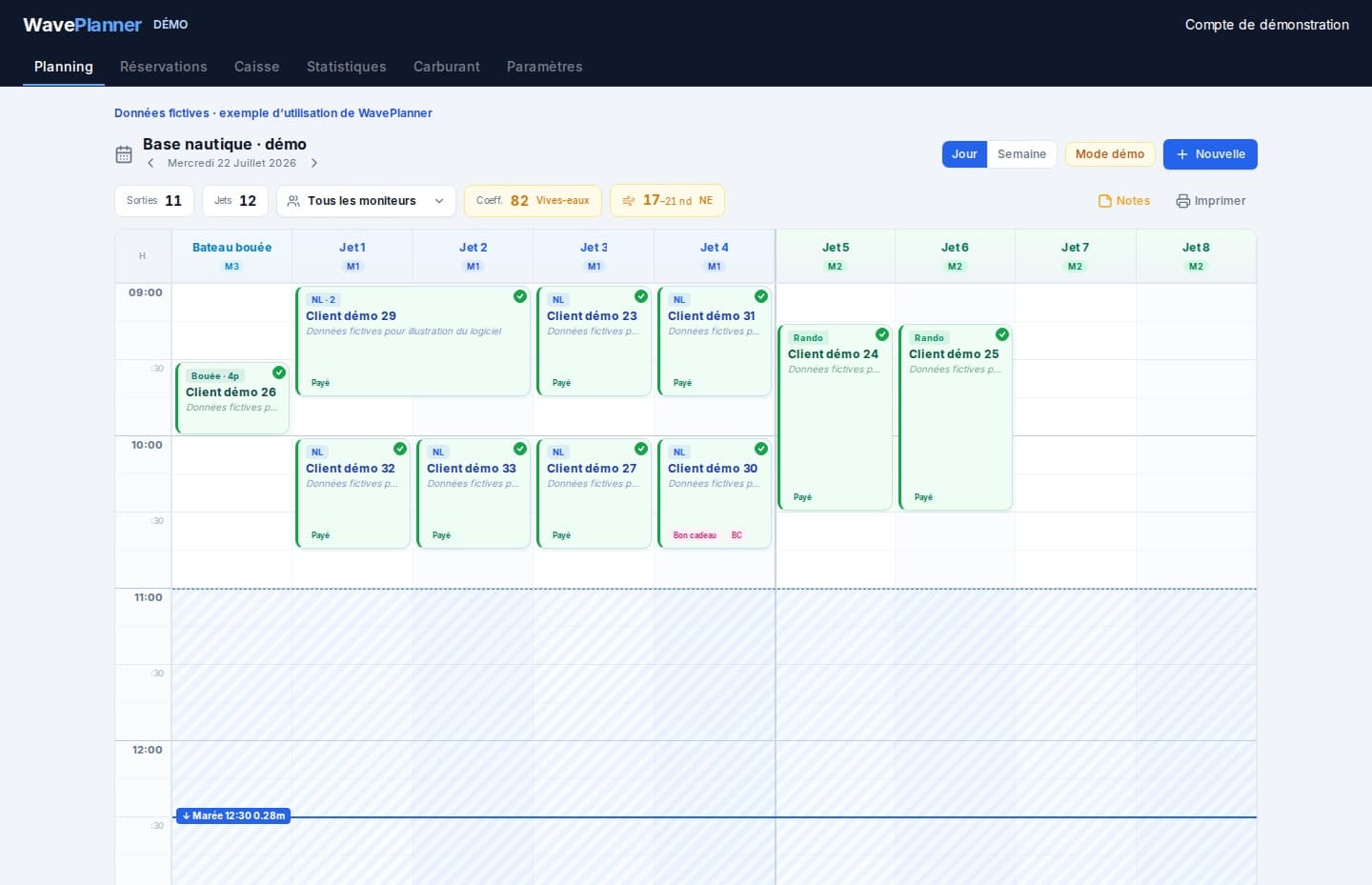
Before accepting another request
A preferred period is not a confirmed time
The customer's preference must fit existing departures and the activity duration.
The next group needs prepared equipment
Allow the turnaround margin your operation requires before reusing jet skis.
Keep request status clear
The team and the customer need to distinguish a pending request from a confirmed booking.
Connect the request to a workable departure
Turnaround planning
Review activity durations and configured margins before moving a departure.
Online requests in the authorised pilot
Customers request an activity, date and period. The operator sets the exact departure and decides on acceptance.
Resource checks
Compare the request with equipment and instructor availability based on the configured operation.
Deposits where configured
The pilot flow can request a deposit after acceptance, subject to configuration and payment activation. Provider fees are separate from WavePlanner's commission policy.
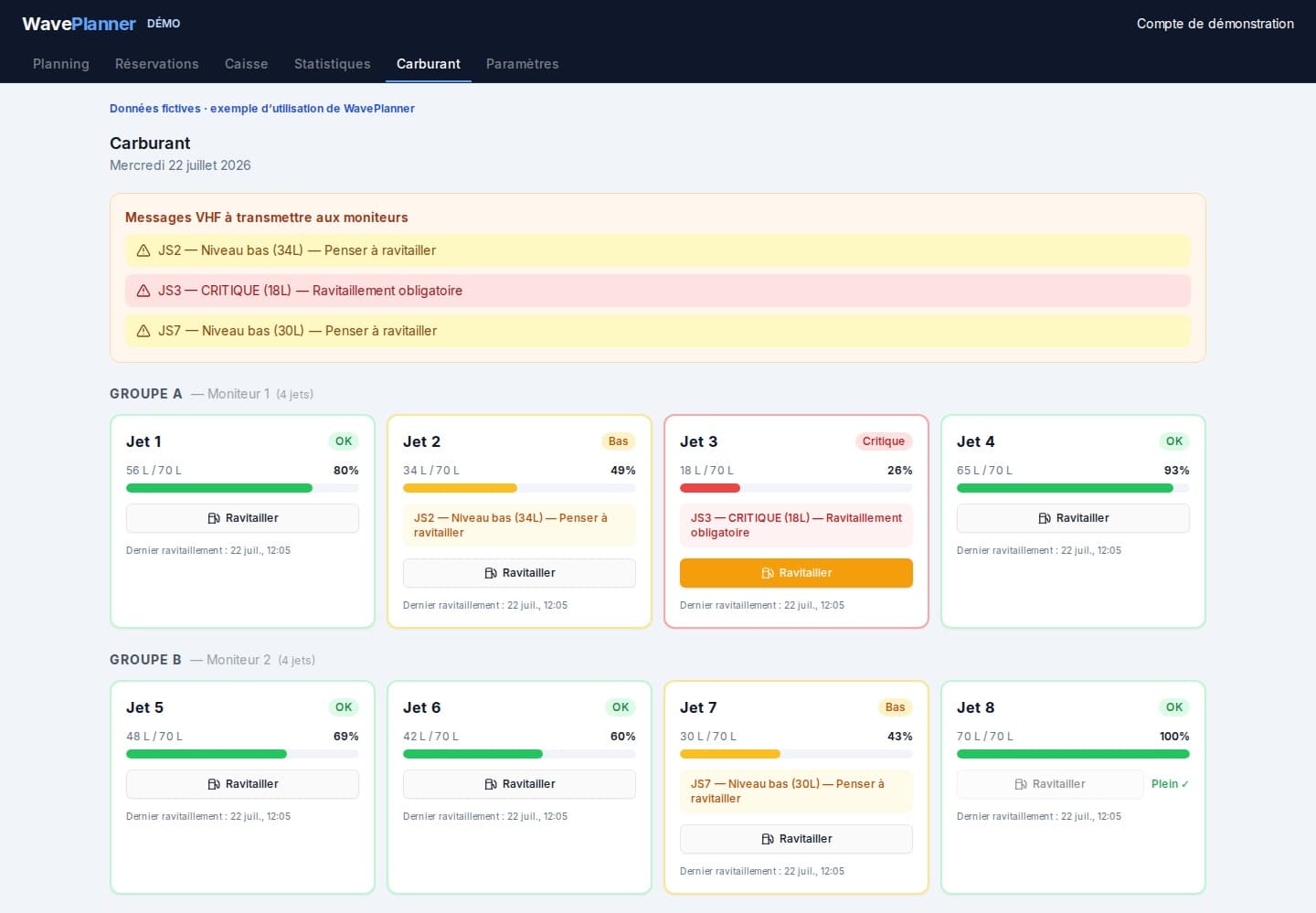
Fuel estimates per jet ski
Use recorded refuels and configured consumption to anticipate refuelling needs.
Customer follow-up
Review the request and booking status when responding to the customer.
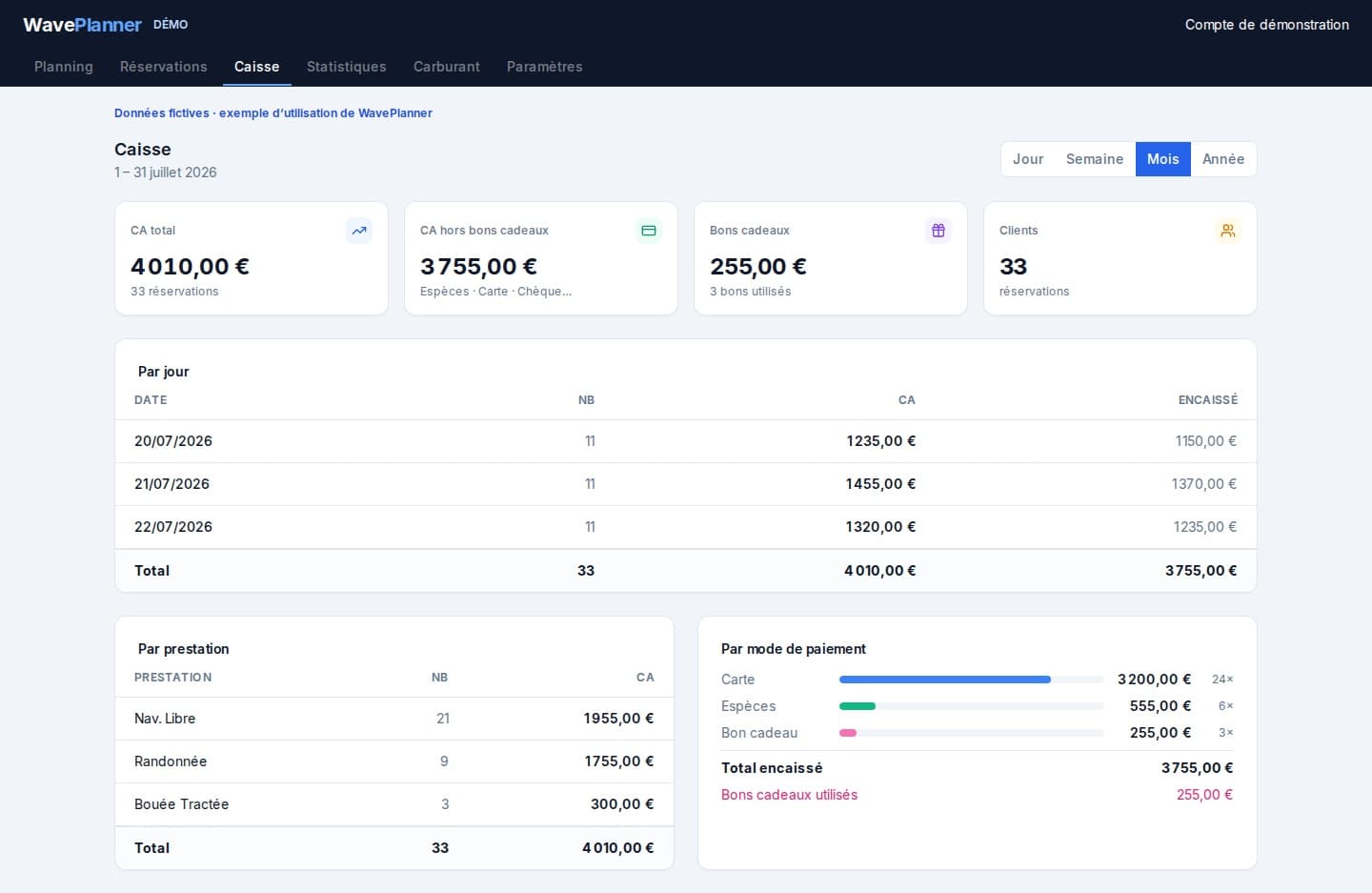
Check two departures before confirming
An operational example to adapt to your own rules, not a prescribed duration or group size.
Compare the time windows
Place a short introductory session and a longer tour with their actual durations.
Check shared resources
Review the jet skis, instructors and turnaround needed before their next assignment.
Confirm the agreed plan
Communicate the time retained by the operator and any outstanding confirmation conditions.
Prepare your access
Describe your operation
Tell us about your guided activities and organisation to discuss private beta access.
Confirm the scope
Check current features and conditions before preparing your configuration.
Test a representative day
Once invited, use your real activities and resources to evaluate the workflow.
Private beta conditions
Access is limited to invited operators. Review the displayed pricing and confirm the available scope for your operation before committing.
View pricing and conditions →Frequently asked questions
Does every online request immediately become a booking?
No. The flow distinguishes a request, operator acceptance and, where a deposit applies, payment before confirmation.
Can every operator publish a booking link now?
No. Online booking is limited to an authorised pilot. Discuss the available scope before planning a public rollout.
What is available during the private beta?
Access is by invitation. Public online booking is limited to an authorised pilot, not generally available to every operator. Automatic attendance SMS reminders are paused. A connection is needed to synchronise devices.
See also
Discuss your booking workflow
Private beta · invitation only · no public registration