Move your guided jet-ski schedule from a spreadsheet to software
Your spreadsheet or notebook already holds useful operating information. Before moving to WavePlanner, organise your guided activities, jet skis, instructor groups and upcoming bookings so the team can test a representative day.
Private beta · invitation only · no public registration
Review your current process first
Which version is current?
A shared spreadsheet can support collaboration. Check how reception and instructors identify the agreed departure and resource assignments.
Who maintains the checks?
Formulas and rules require maintenance. Review how your file handles activity duration, equipment and instructor conflicts.
How are payments reconciled?
Identify the information that must be preserved when booking and checkout records live separately.
Connect the records used by your team
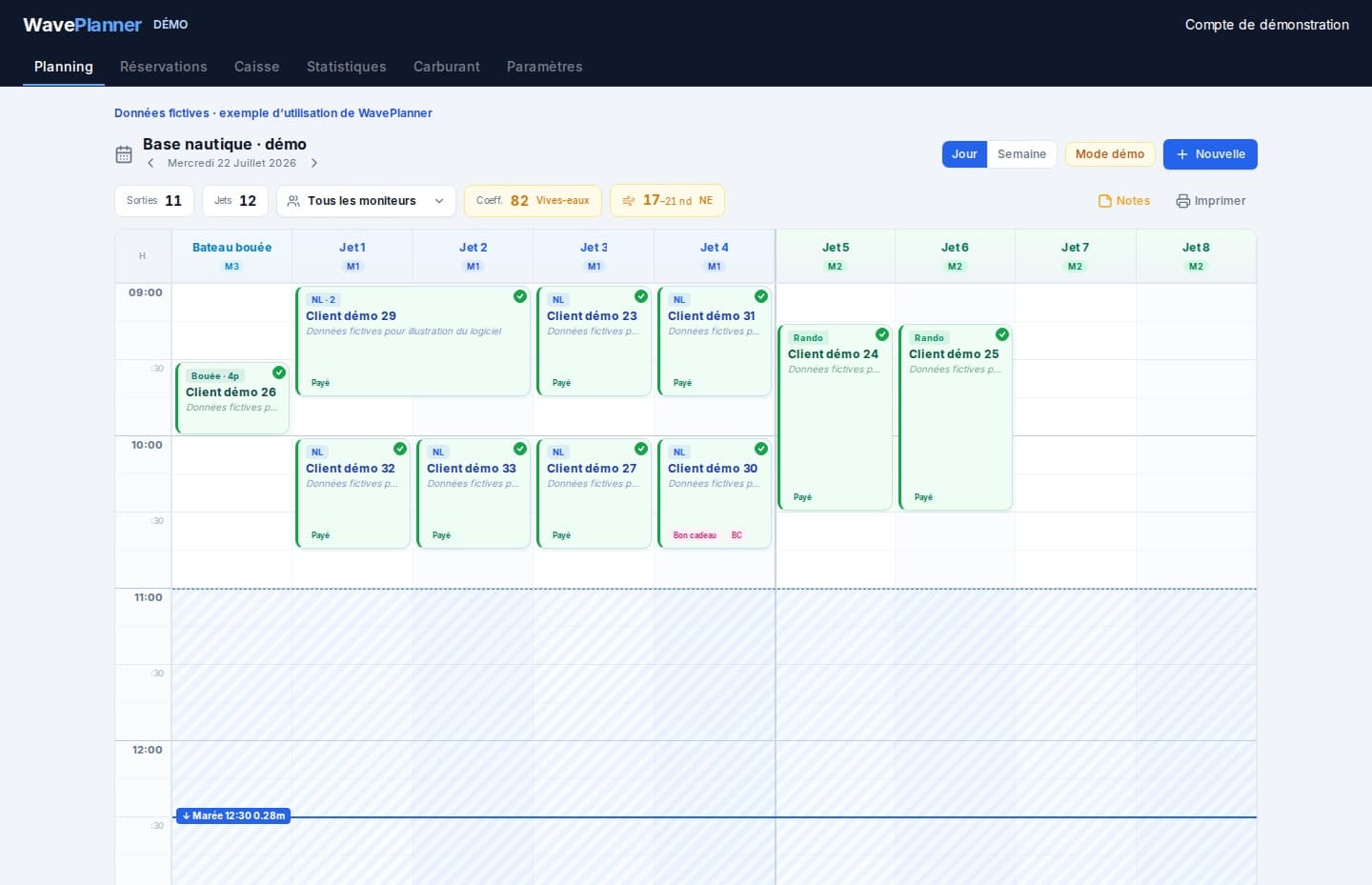
A shared schedule
Use a connected browser to access the latest team schedule.
Resource conflict checks
Evaluate the checks against overlapping bookings from your own operation.
Instructor groups
Link departures to configured groups rather than separate notes.
Durations and margins
Use the activity durations and turnaround times you actually operate.
Customer records
Review transferred contact details and booking history.
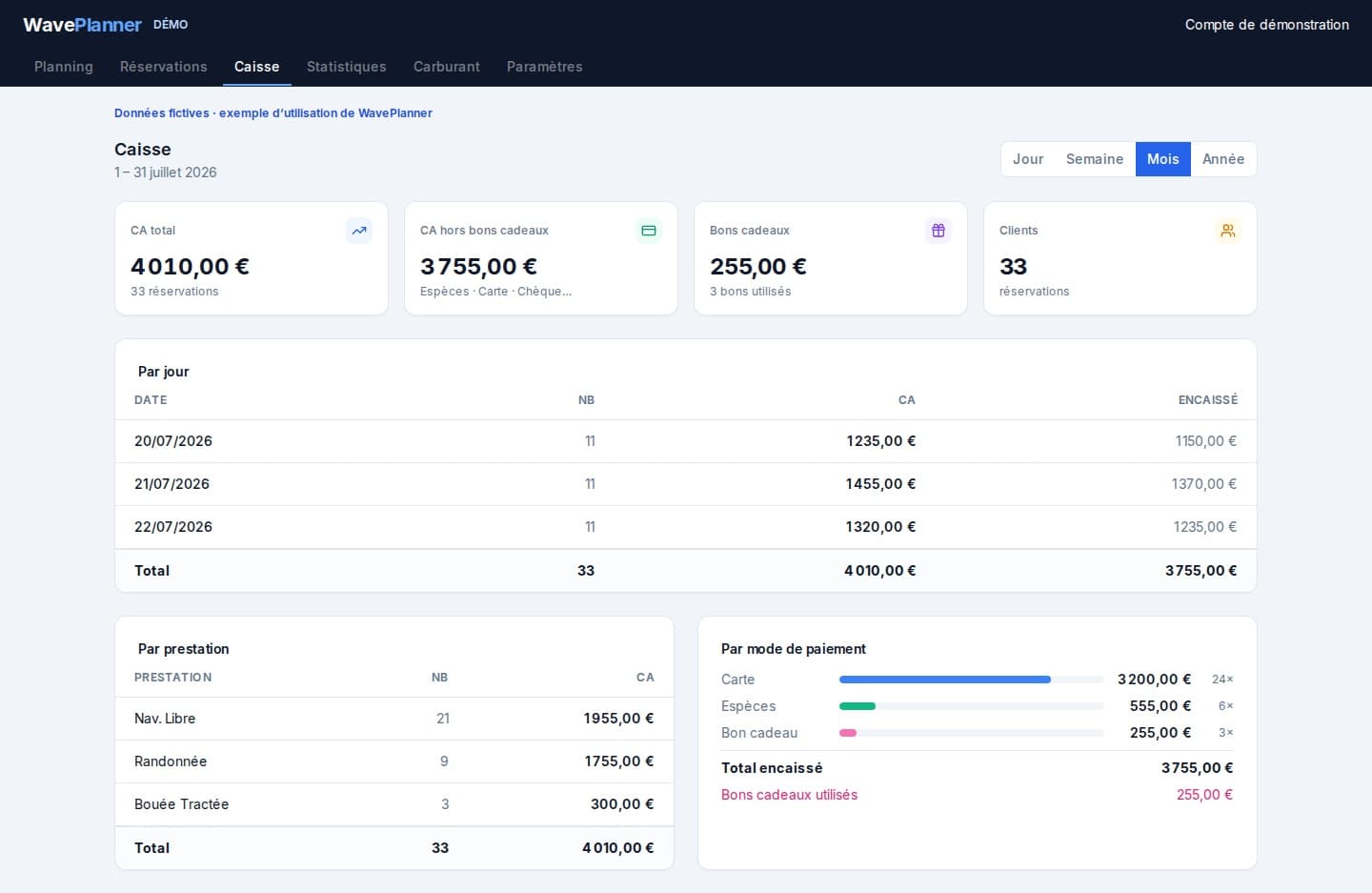
Checkout and statistics
Compare a test day's recorded bookings and payments with the original records.
A practical migration sequence
Preparation time depends on your configuration and bookings. No universal automatic Excel import is promised.
Keep the original
Retain a reference copy and choose a switch-over date.
Configure the operation
List equipment, instructor groups, activities and operating margins.
Enter upcoming bookings
Reconcile times, customer details and payments against the original.
Run a test day
Have the team check assignments and totals before adopting one shared source of truth.
Prepare your access
Describe your operation
Tell us about your guided activities and organisation to discuss private beta access.
Confirm the scope
Check current features and conditions before preparing your configuration.
Test a representative day
Once invited, use your real activities and resources to evaluate the workflow.
Private beta conditions
Access is limited to invited operators. Review the displayed pricing and confirm the available scope for your operation before committing.
View pricing and conditions →Frequently asked questions
Does WavePlanner automatically import any Excel file?
No universal spreadsheet import is advertised. Plan the transfer of upcoming bookings and verify them against your original records.
Can a spreadsheet still be suitable?
Yes, depending on your needs. Evaluate a dedicated tool when resource assignments and changes become difficult to maintain.
How long will the switch take?
It depends on your setup and records. A test day helps identify the preparation required.
What is available during the private beta?
Access is by invitation. Public online booking is limited to an authorised pilot, not generally available to every operator. Automatic attendance SMS reminders are paused. A connection is needed to synchronise devices.
See also
Plan the move with your team
Private beta · invitation only · no public registration